Local-first
Files stay on your Android device. No cloud upload, no third-party storage - just your Wi-Fi or hotspot.
ANDROID · LAN · WEBDAV
HTTP FS turns any Android phone, tablet, or TV into a local network file server. Share folders over Wi-Fi or hotspot - browse in a browser, mount via WebDAV, or automate with the API.
TRUSTED ON GOOGLE PLAY
Why HTTP FS?
A lightweight LAN server with a web UI, WebDAV, optional HTTPS, and Android TV support - all controlled from your device.
Files stay on your Android device. No cloud upload, no third-party storage - just your Wi-Fi or hotspot.
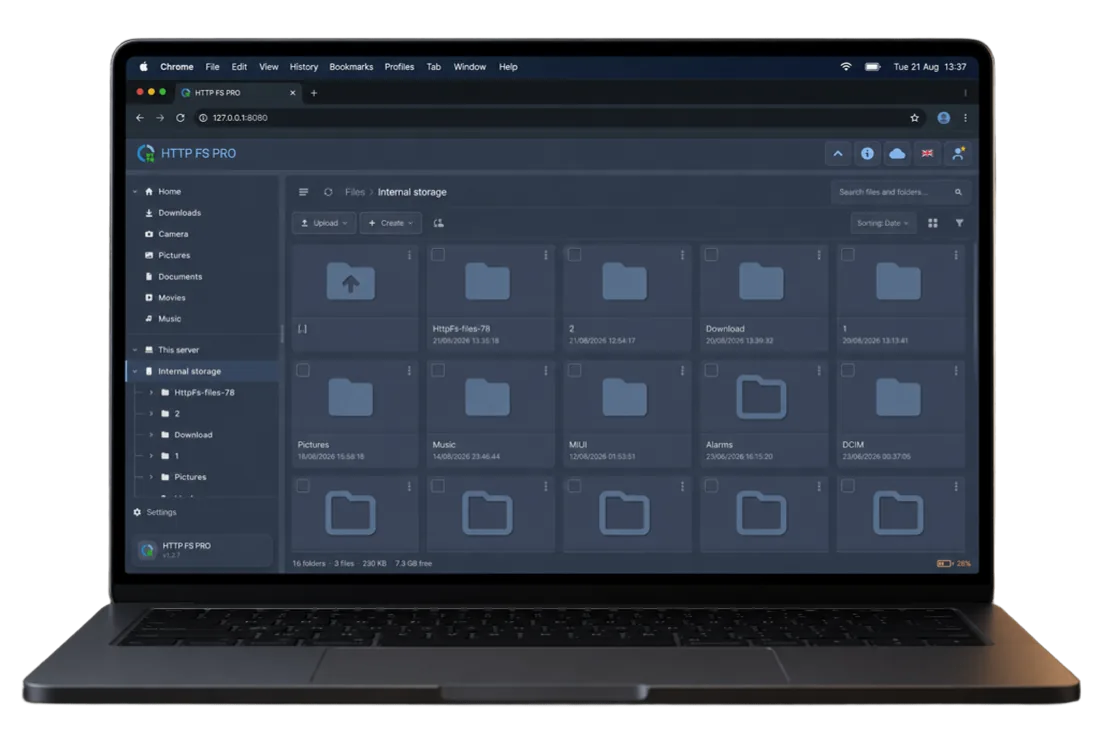
Open the server URL in any browser to browse, upload, download, preview media, and manage folders.
Mount storage in Finder, Windows Explorer, or third-party clients. Optional FTP for legacy tools.
Self-signed, imported, or Let's Encrypt DNS-01 certificates. Password protection and multi-user on Pro.
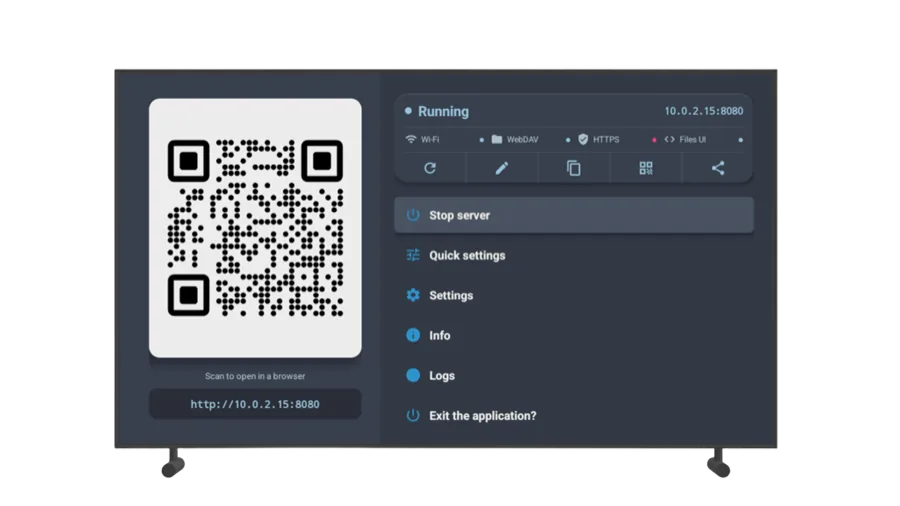
Guided Home on TV with D-pad focus. Run a file server from a set-top box or spare TV device.
REST API, live events, and RSS feeds for automation, scripts, and the bundled web client.
Editions
Both editions share the same core server. Pro removes ads and unlocks power-user tools.

Free with ads
No ads
Product tour
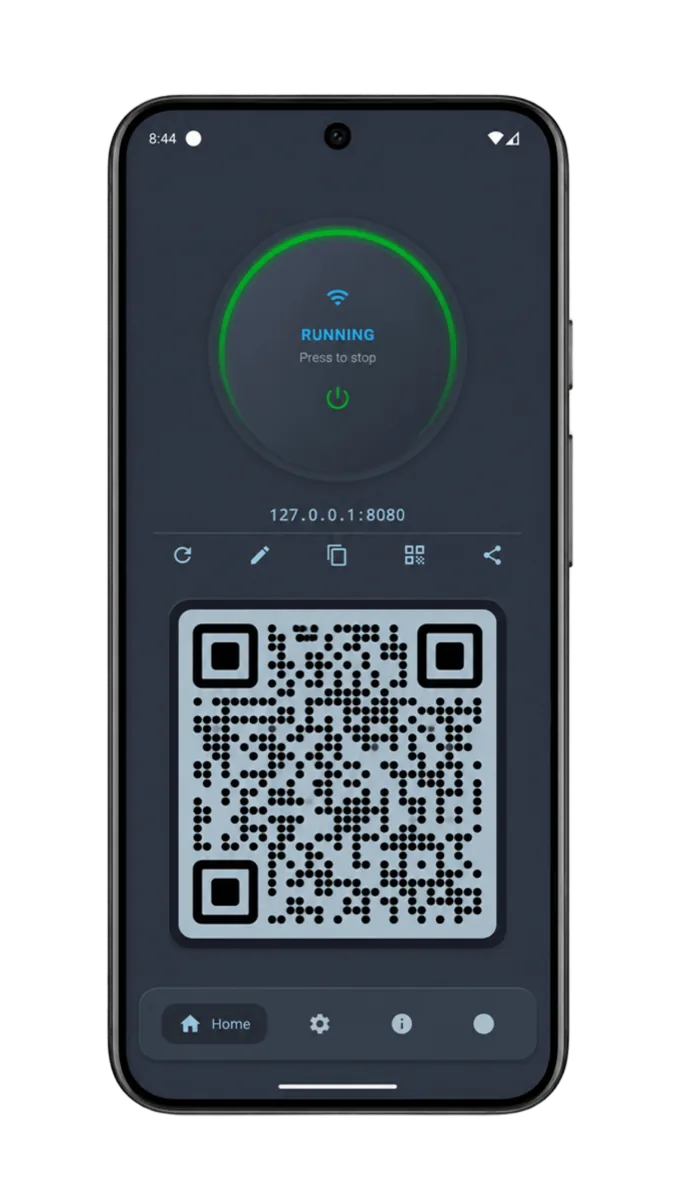
From onboarding to the running server, web client, and Android TV - see how HTTP FS fits your workflow.
Use cases
Home networks, developer workflows, Android TV, and offline-friendly setups - no cloud account required.
Share photos, videos, and downloads with family devices on the same router - no USB cables or cloud sync.
Push builds, logs, or test assets to a phone server and fetch them from your laptop with curl, WebDAV, or the API.
Attach a drive or use onboard storage on a TV box, then stream or copy files from phones and PCs on the LAN.
Run a hotspot, start the server, and let teammates grab files without internet - useful on site or travel.
Hand out a folder from a spare phone on the office Wi-Fi. WebDAV mounts work like a lightweight shared drive.
Keep music and video libraries on Android, browse from a TV browser, or mount the share on a media player.